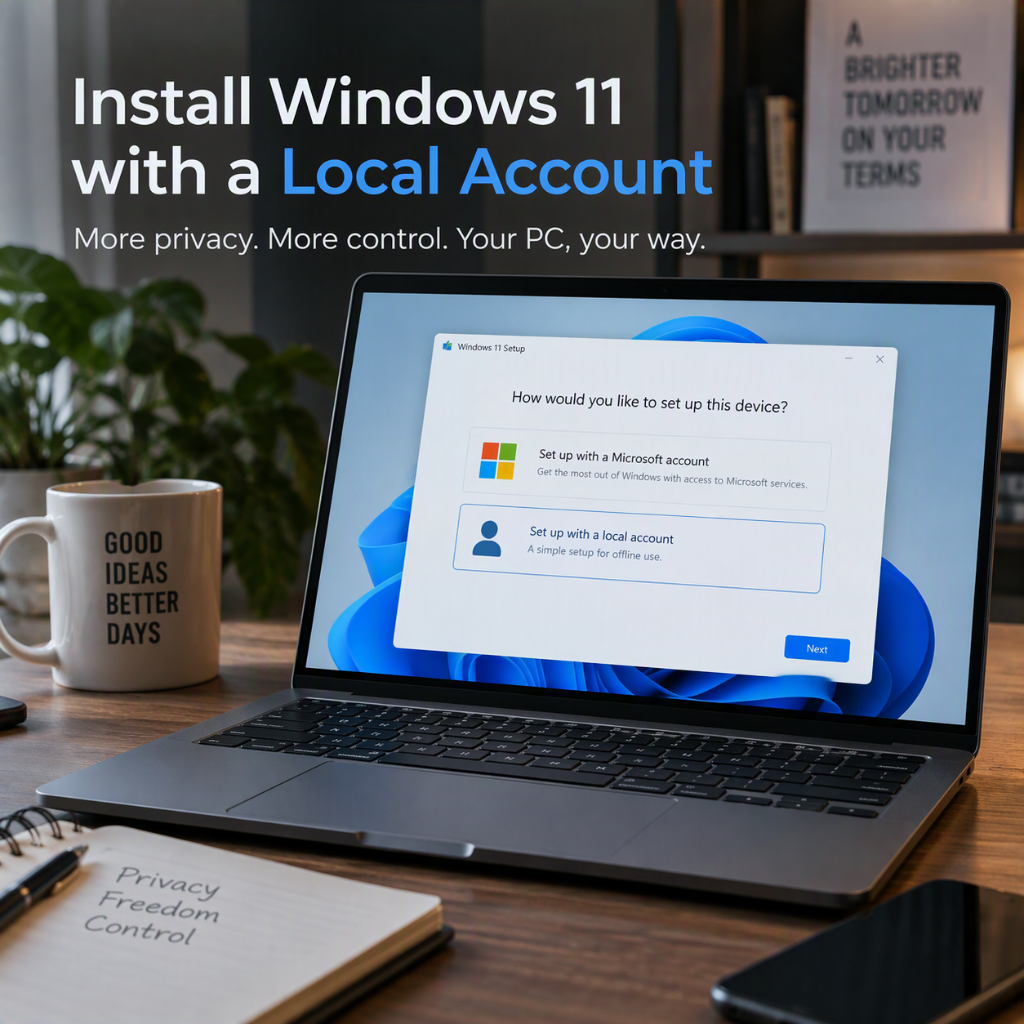
— Install Windows 11 with a local account: method, limitations and current alternatives
Windows 11 strongly encourages a Microsoft account during the out-of-box experience. A local account can still be appropriate for an isolated PC, a test machine or a device that should not synchronize settings.
Important November 2026 update:
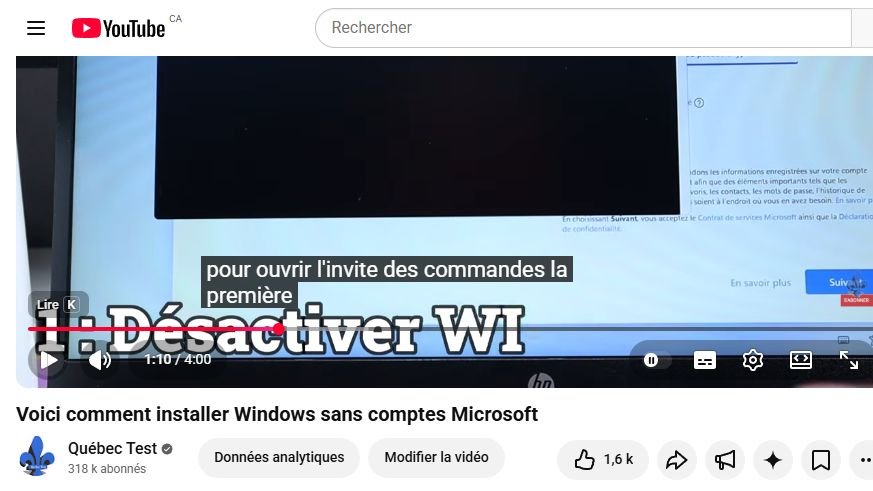
OOBE\BYPASSNRO, demonstrated in the Québec Test video, still works with some public Windows images. Microsoft has nevertheless announced the gradual removal of local-account mechanisms from newer OOBE builds, so the command is not future-proof.
Method shown in the Québec Test video
- Continue setup until Windows requests a Microsoft account.
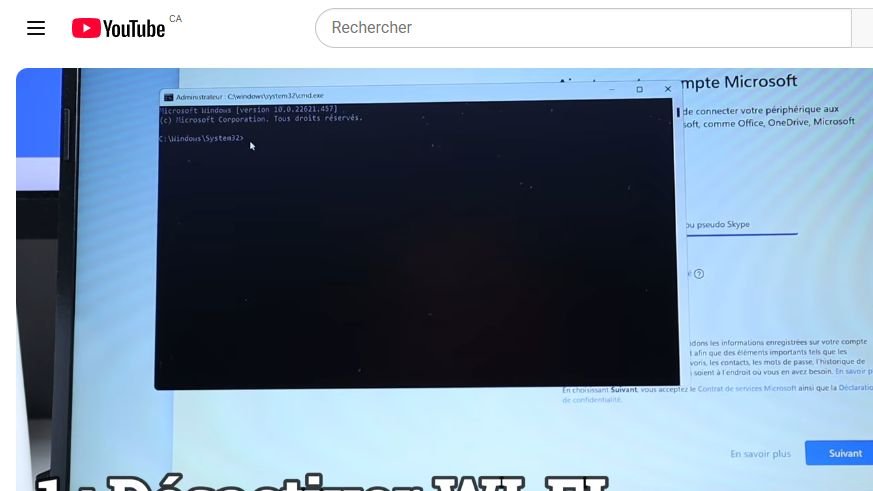
- Press
Shift + F10, orFn + Shift + F10on some laptops. - Run
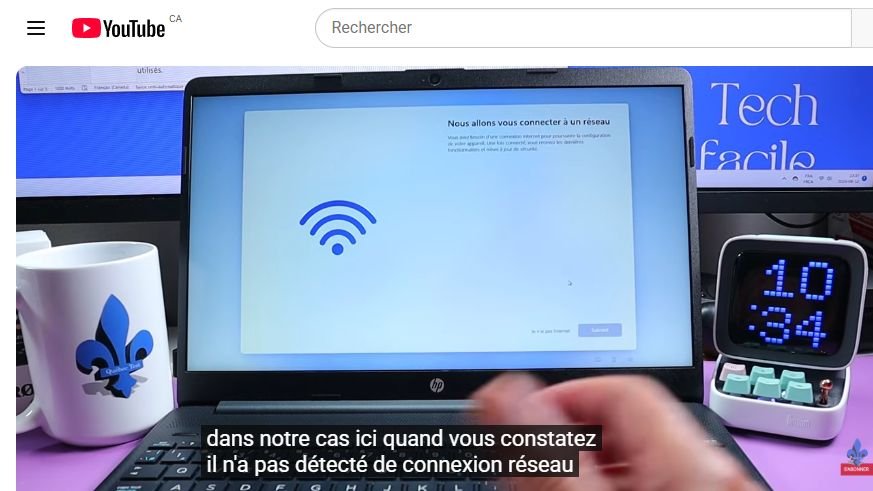
ncpa.cpland disable Wi-Fi. Unplug Ethernet as well. - Return to Command Prompt and run
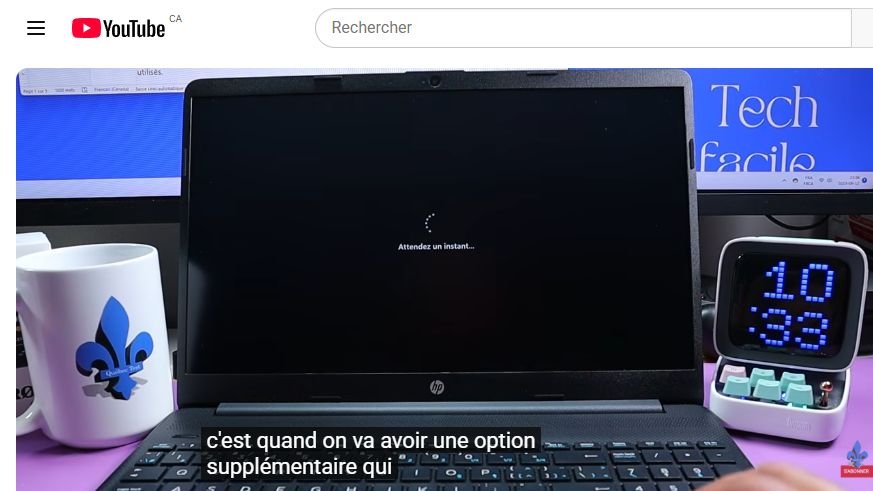
OOBE\BYPASSNRO. - After the restart, repeat the region and keyboard steps.
- Select I don’t have Internet, then Continue with limited setup.
- Create the local user name and a strong password.
- Review each privacy choice instead of accepting the defaults automatically.
If the command is unavailable, do not rely on random replacement commands. Rufus currently offers a Remove requirement for an online Microsoft account option while preparing Windows installation media. Its documentation says the target PC must remain offline during local-account creation, and the option is not compatible with Windows S mode. Administrators can alternatively use Microsoft’s documented unattend.xml LocalAccounts settings.
After setup, reconnect the network, install all Windows updates and required drivers, and activate Windows with a valid licence.
Watch the original Québec Test tutorial
Tutorial screenshots
Sources: Québec Test video and supplied transcript; Microsoft Learn, “Customize the out-of-box experience”; Windows Insider Blog build 26120.6772; official Rufus documentation; Microsoft Learn, “LocalAccounts.”