
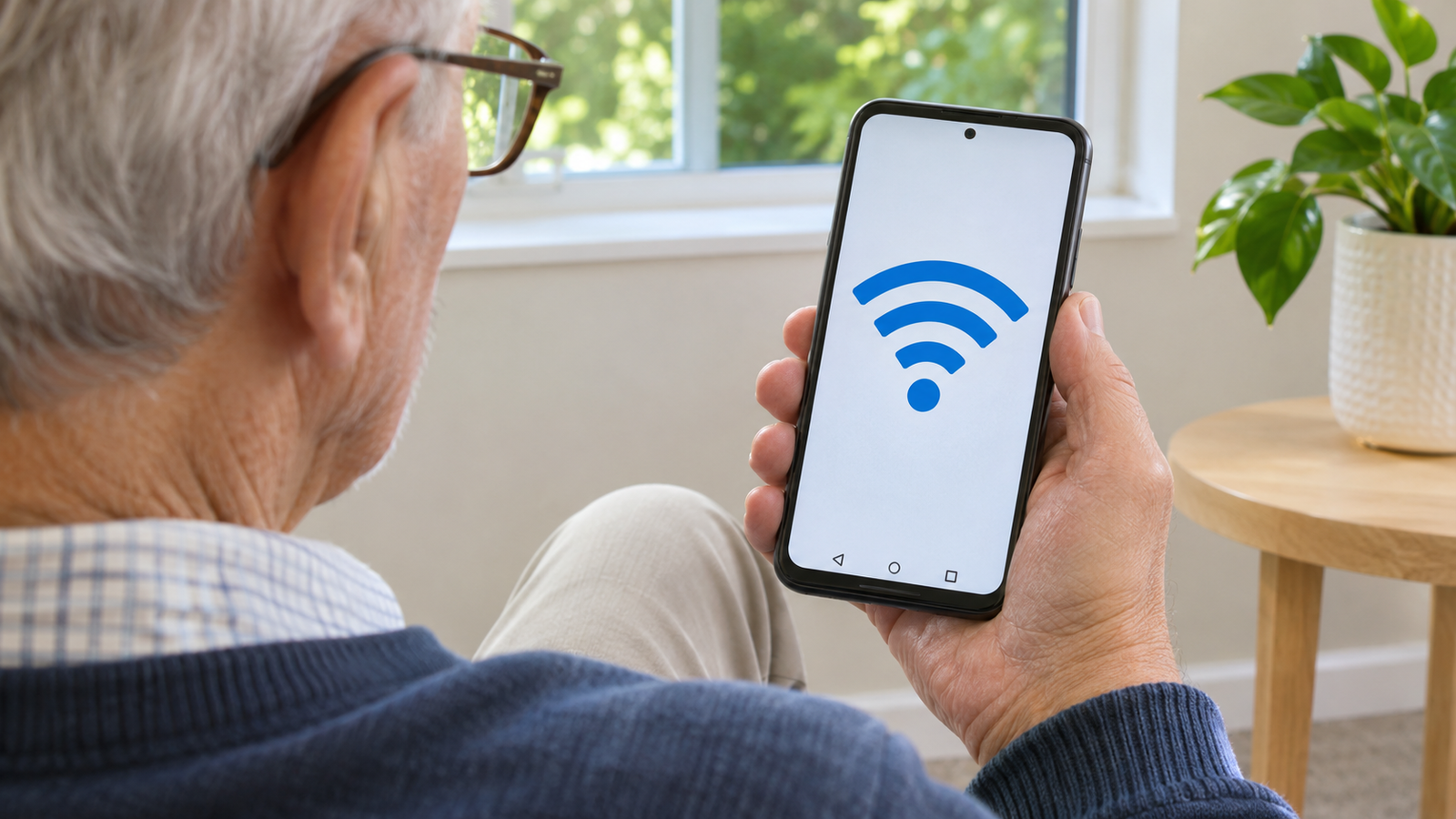
Wi-Fi lets you use the internet without using mobile data while your phone is connected to the network.
- Open Settings and search for Wi-Fi. On some phones, you’ll find it under Network & internet.
- Turn on Wi-Fi and tap the exact network name.
- Enter the password if prompted, then check that the network says Connected.
If you can’t see the network, move closer to the router and let the list refresh. In a public place, ask staff for the correct network name before selecting it.