You line up a USB drive. It stops. You flip it. It stops again. You turn it back to the original position and this time it slides in. The original rectangular USB-A connector has only two orientations. The first attempt can still fail simply because the plug was tilted or slightly off-centre.
A small compromise that helped replace several ports
In the 1990s, a mouse, keyboard and printer could all need different sockets. Ajay Bhatt’s team at Intel worked on a common connection to make that experience simpler. The first USB specification was made public in 1996.
Why not make the plug reversible from the beginning? Bhatt explained in an interview that it would have taken extra wires and circuitry. Cost mattered for a standard intended for inexpensive accessories such as mice. The original rectangular connector therefore kept its contacts oriented one way.
What changed with USB-C in 2014
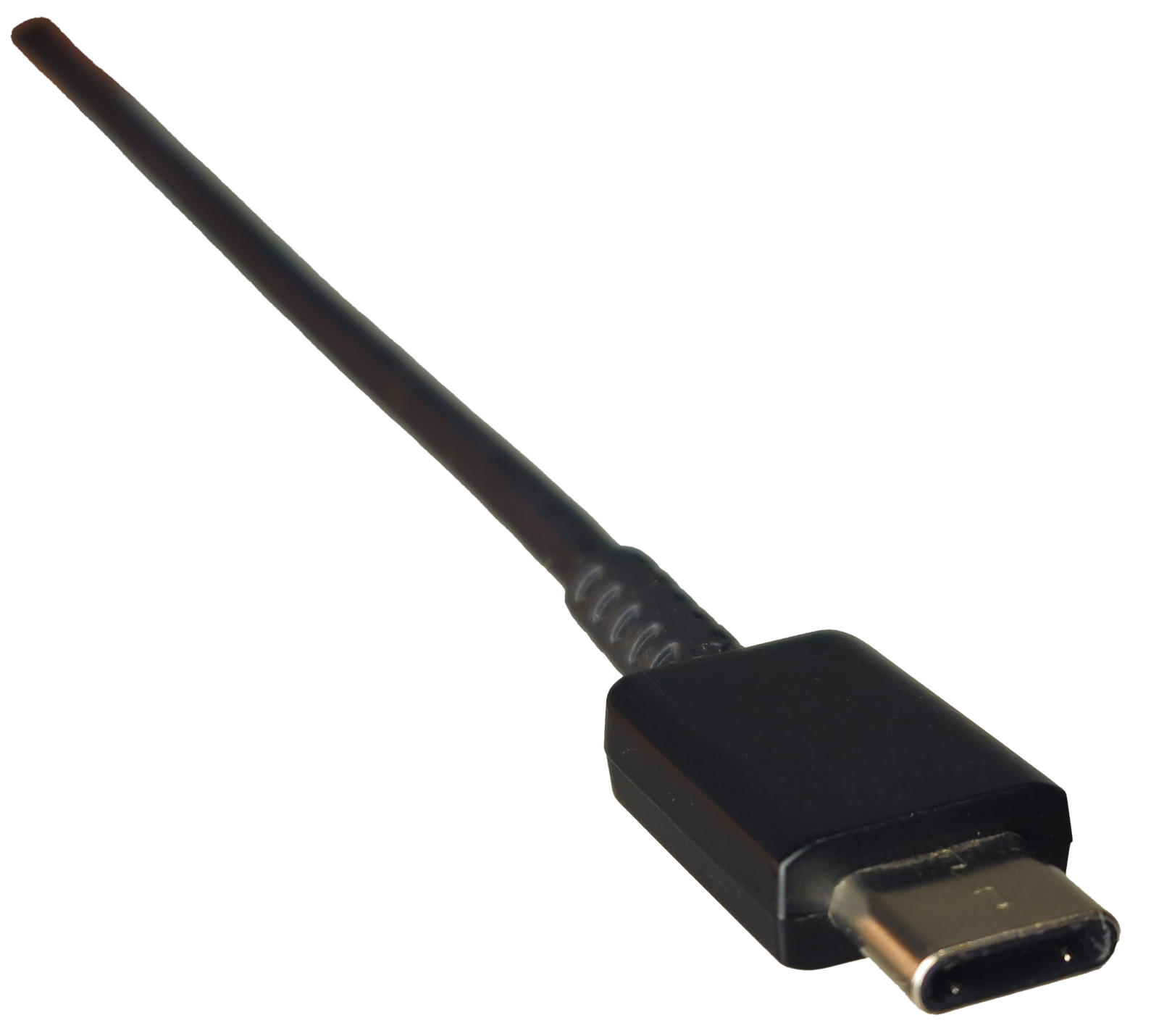
USB-C brought a plug that connects either way up. That solves a physical problem, while the capabilities still depend on the equipment. Two cables that look identical can support different charging power or transfer speeds. If you are connecting a monitor, check that your computer port, cable and display all support the video connection you need.
Next time a USB-A drive will not go in, pause and look at which side of the plug has the solid insert. Then line it up squarely with the port. A small angle can make the right orientation feel like the wrong one.
Sources · IEEE · Ajay Bhatt / Fast Company · Intel