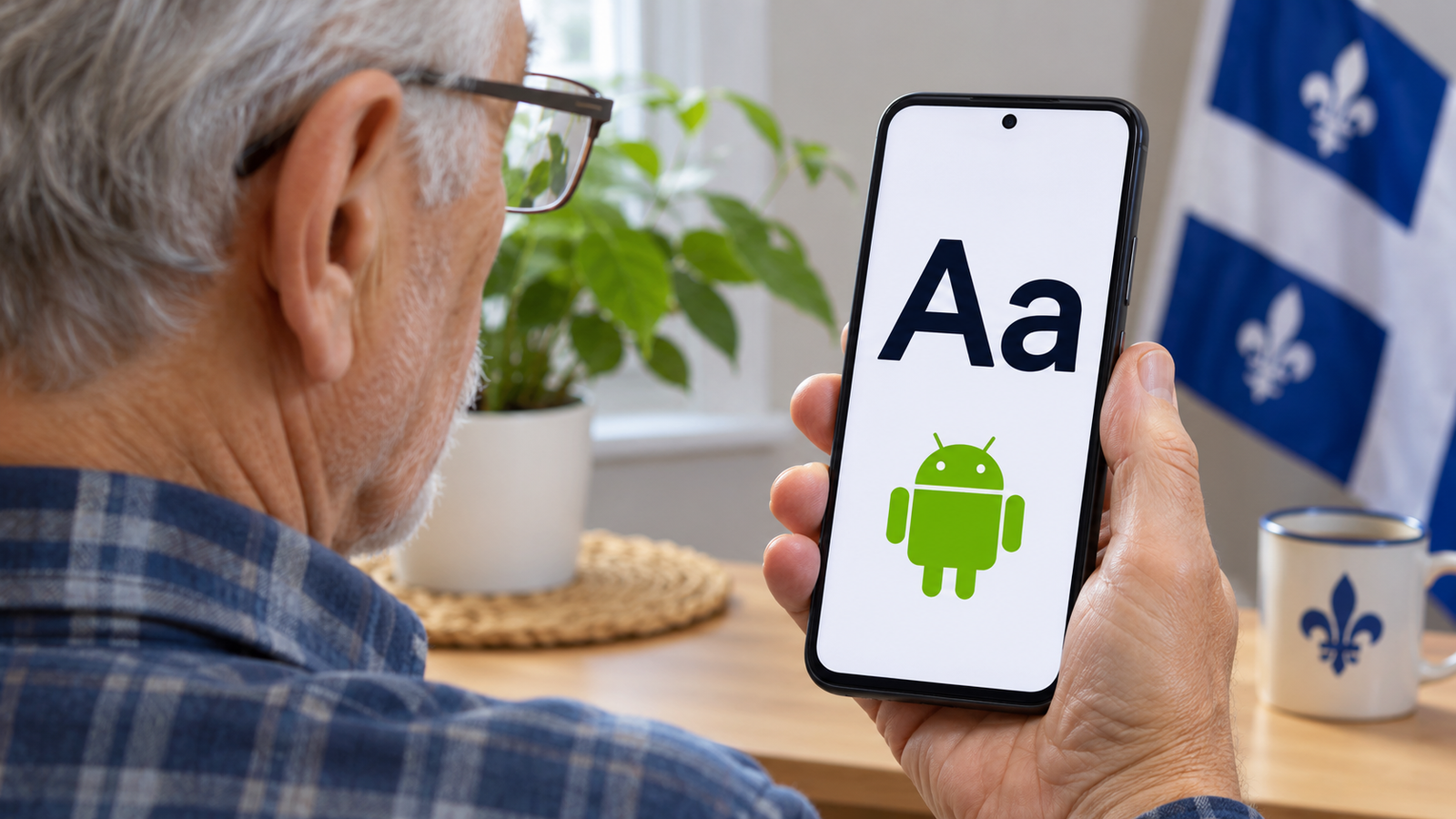
If you find yourself holding your phone closer to read messages, try increasing the text size by one step. You can go back to the previous size at any time.
Make the letters bigger
- Open Settings, the app with a gear icon.
- Search for Font size.
- Open the result and move the slider a little to the right. Check a familiar message to see whether the change helps.
Make icons and buttons bigger too
Go back to the Settings search and look for Display size. Increase it gradually so the icons and buttons stay comfortable to use. Menu names can vary by phone, and some apps have their own text settings.