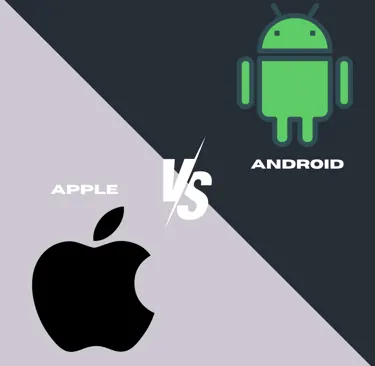
The simplest way to share a file depends on both devices. Quick Share and AirDrop serve similar needs, but compatibility changes over time. A comparison based on completely separate ecosystems needs a clear date.
Identify both devices
Record each model and software version. Google documents Quick Share for Android and selected Windows PCs. Direct sharing with AirDrop is supported on certain devices only. Check Google’s current compatibility list rather than assuming that every Android phone offers it.
Prepare a nearby transfer
- Open the file and choose Share.
- Select an available sharing method.
- Check the recipient name shown.
- Ask the recipient to accept and open the received file.
Use the necessary visibility temporarily, then return to a more limited setting afterwards.
Use a link when appropriate
Depending on the version and devices, Quick Share may offer a QR code and browser download. This method can use an internet connection and temporary hosting. Read the service’s instructions, especially for personal or large files.
Compare fairly
Transfer time depends on file size, supported radios and surroundings. No test presented here establishes a guaranteed five-gigabyte transfer in thirty seconds. Check the received file’s quality and usability before deleting the original.