
iOS 27: How to Get the New Siri AI for Free on Your iPhone (Right Now)
iOS 27 is available in free public beta with the new Siri AI. Find out if your iPhone is compatible and how to activate it in a few simple steps, no paid developer account needed.
EN - AIEN - IPHONE AND APPLE PRODUCTS
Quebec Test
7/20/20262 min read
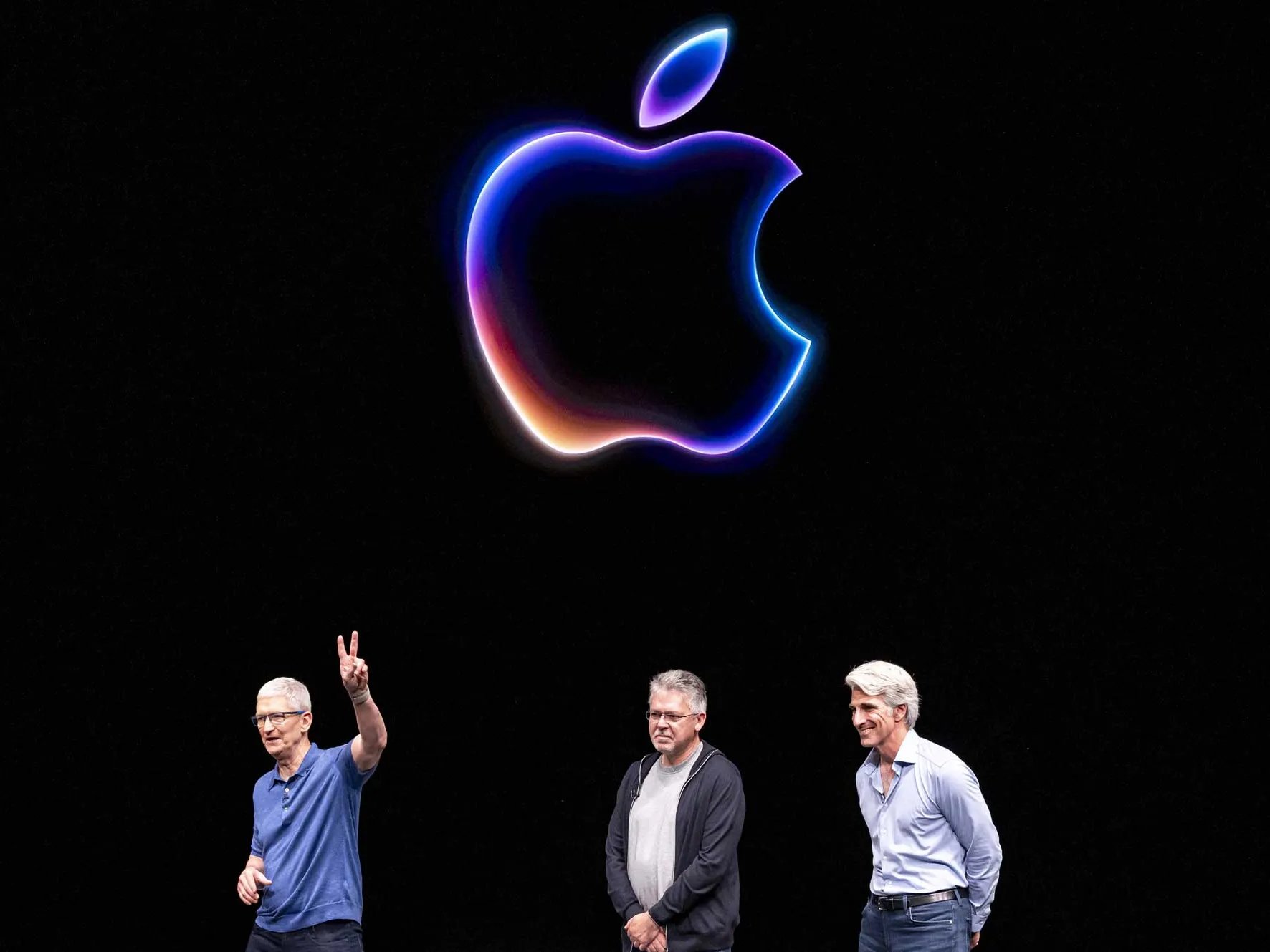

Still stuck with the old Siri on your iPhone?
Good news: Apple has released the public beta of iOS 27, and it's the biggest Siri overhaul since the assistant was created.
Even better news: unlike before, you don't need to pay $99 USD for a developer account. A free Apple ID is all you need to try it out.
In this article, you'll find out:
whether your iPhone is compatible with iOS 27 and the new Siri AI
how to install the beta for free
how to actually turn on the new Siri (it doesn't show up automatically)
Why Everyone's Talking About the New Siri
The Siri we've known for years has barely changed.
With iOS 27, Apple is rebuilding the assistant from the ground up around the next generation of Apple Intelligence.
In practice, the new Siri can:
hold an actual back-and-forth conversation, without repeating everything each time
search through your emails, messages, notes, and reminders to answer questions
understand what's currently on your screen
take actions directly inside your apps
The look has changed too: responses now appear from the Dynamic Island, and there's now a standalone Siri app where you can find your conversation history.
Is Your iPhone Compatible?
Not so fast. iOS 27 installs on plenty of devices, but the new Siri AI is pickier.
✔️ iOS 27 (the system itself)
Compatible starting with the iPhone 11 and the iPhone SE (2020), and anything newer.
✔️ Siri AI (the new Apple Intelligence features)
You'll need an Apple Intelligence-compatible iPhone, meaning iPhone 15 Pro or newer.
✔️ The most powerful AI model
Reserved for even newer devices, like the iPhone 17 Pro and the iPhone Air.
If your iPhone is older than an iPhone 15 Pro, you'll be able to install iOS 27, but you won't get the new Siri.
Step 1: Install the iOS 27 Beta for Free
Before you start: make a full backup of your iPhone to iCloud or your computer. A beta is still a beta, so better safe than sorry.
✔️ Sign up (free):
Go to Apple's beta software program website, from any browser
Sign in with your regular Apple ID, the same one you use on your iPhone
Accept the program's terms
✔️ Install it on your iPhone:
Open Settings
Go to General
Tap Software Update
Select Beta Updates
Choose iOS 27 Public Beta
Go back and tap Download and Install
Your phone will restart once or twice during installation.
Step 2: Turn On the New Siri AI
Here's the catch: once iOS 27 is installed, the new Siri doesn't show up automatically. You have to unlock it first.
✔️ Here's how:
Open Settings
Go to the new Siri tab
Join the waitlist
Yes, a waitlist, just like the first Apple Intelligence features that launched with iOS 18. Some people get access within minutes, others have to wait a few days.
While you wait, you'll keep the classic Siri interface (the familiar glowing outline around the screen).
What Else You Get With Apple Intelligence
Installing the beta also unlocks a few other tools right away, no waiting required:
shortcut and Safari extension generation
more advanced photo editing tools
realistic image creation with Image Playground
text rewriting and proofreading system-wide
AI-generated wallpapers
Is Installing a Beta Risky?
It's a beta, so yes, expect:
occasional bugs
reduced battery life
some third-party apps being less stable
Also worth knowing: a backup made on iOS 27 can't be restored on iOS 26. That's exactly why we recommend backing up before installing.
The Bottom Line
iOS 27 is free and open to everyone, no more paid developer account required
the new Siri AI needs an iPhone 15 Pro or newer
you have to join a waitlist in Settings to unlock it
the final version should arrive this fall, alongside the next iPhone lineup