Put this guide in context
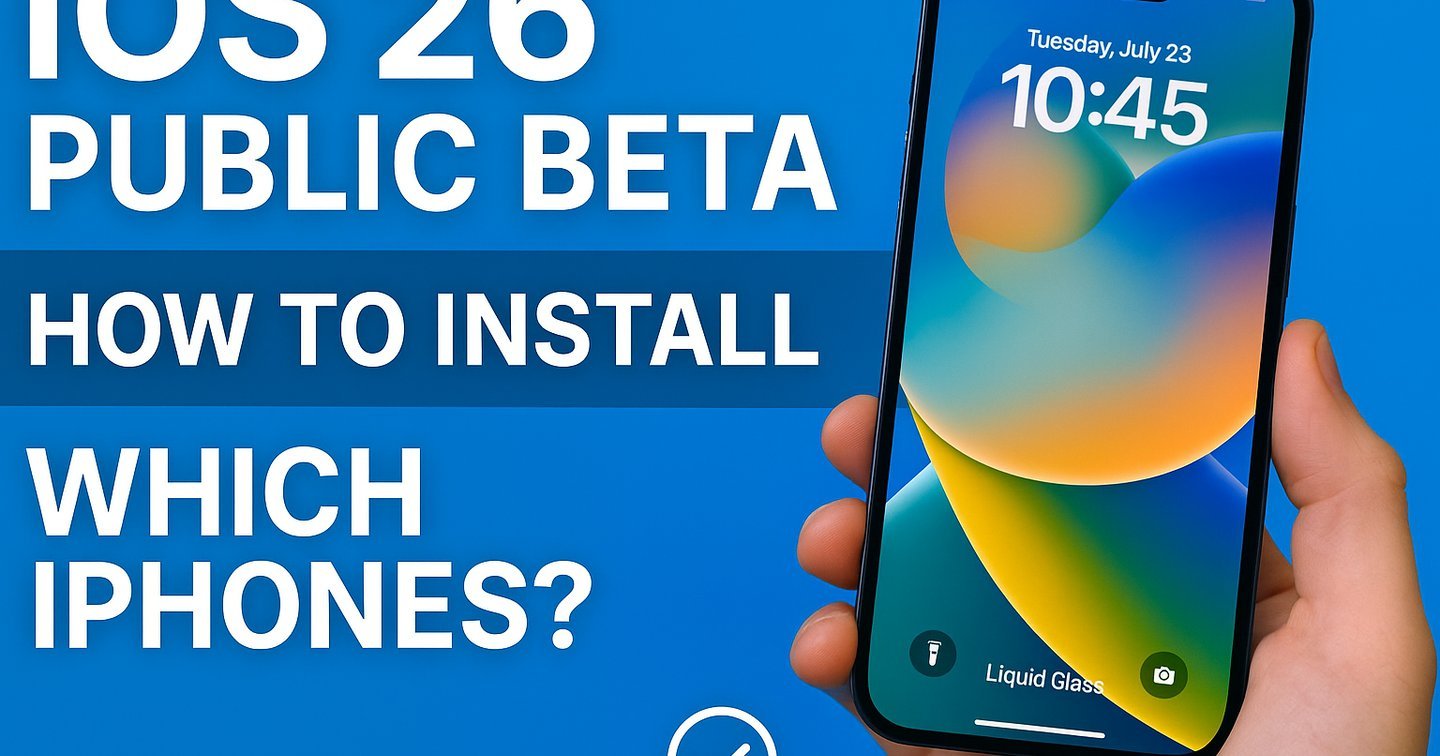
The iOS 26 public beta belonged to the 2025 development cycle. Today, begin by checking the public releases offered for your iPhone. An old beta announcement is not a current installation recommendation. The testing programme exists to try features under development and provide feedback to Apple, with the limitations that pre-release software can involve.
Prepare a usable backup
Beta software can affect apps, stability and battery life. Before enrolling, create a backup you can locate and preferably use a secondary device. Apple explains that going back to earlier software can require a restore. A backup made on newer software may not work on the version you reinstall. Understand that distinction before relying on a backup as your exit plan.
Use the official programme
Enrol the appropriate account in Apple Beta. Available releases then appear in Settings, General, Software Update and Beta Updates. The menu depends on the programme and the versions being distributed. Do not search for an old beta that is no longer offered. Avoid profiles and installation packages from unknown websites. Follow the instructions for the release you actually intend to test.
Check compatibility and how to leave
Consult Apple’s list for the version you intend to install. Lack of iOS 26 support does not mean an older model was restricted to iOS 17. Before returning to public software, read the restore procedure and any constraints involving paired devices.
- Keep a backup from before the test.
- Check essential apps before relying on the device daily.
- Choose public software if you do not want to participate in testing.
Video demonstration
Video from the original publication. Refer to the revised instructions in this article when a setting or procedure differs.