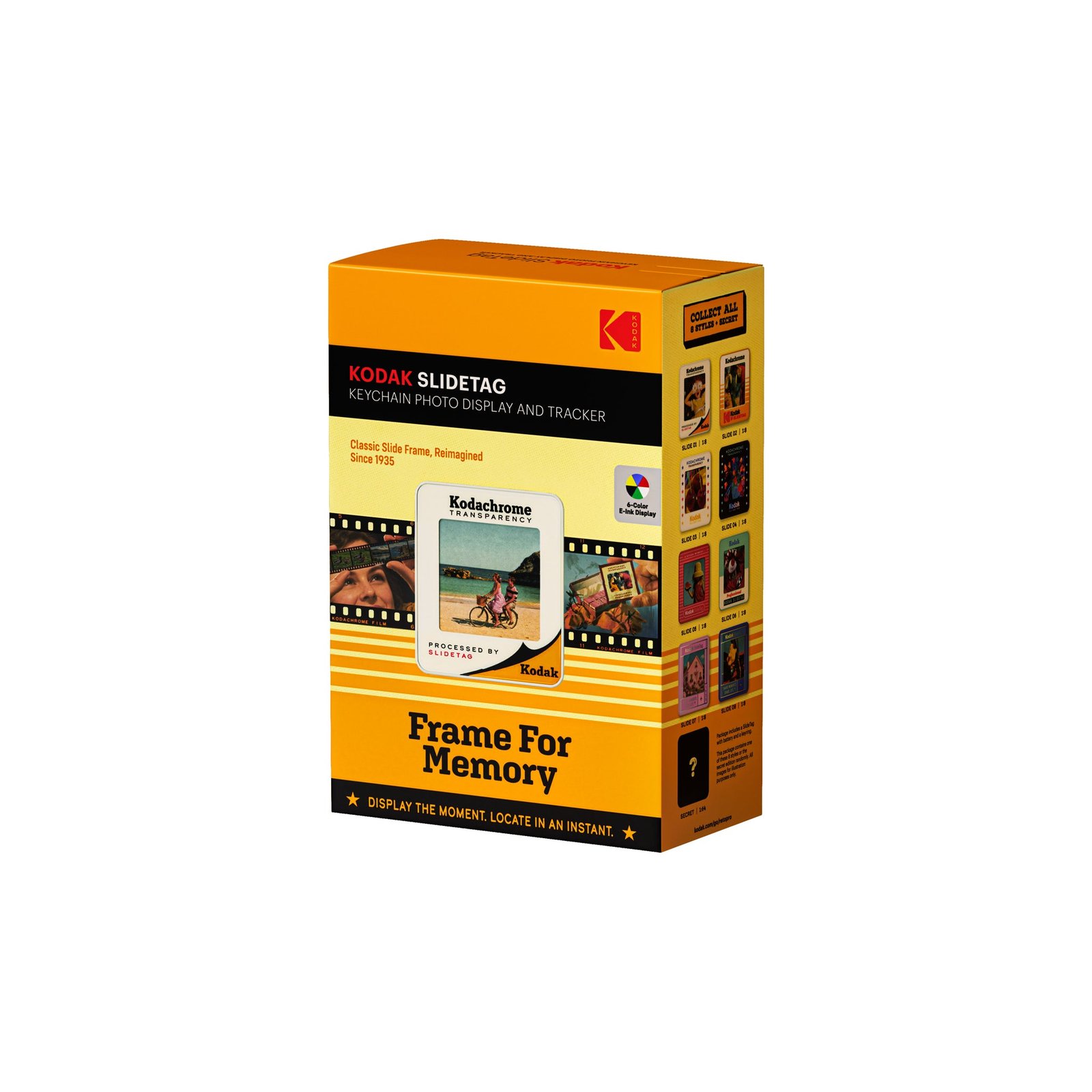
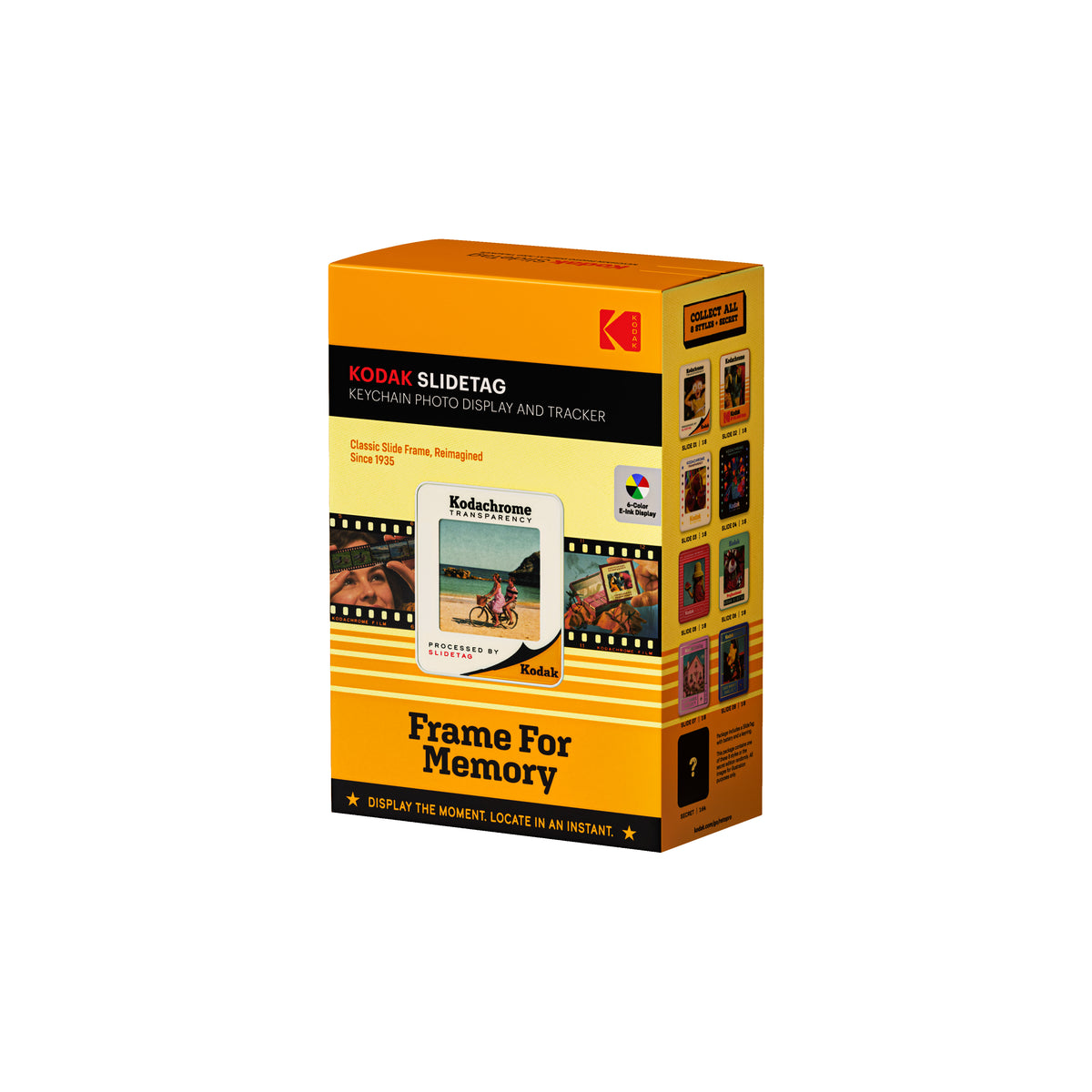
The Kodak SlideTag looks like a photographic slide, but it doubles as a small photo display and a Bluetooth item tracker. Reto sells it under the Kodak brand with a built-in colour screen for pictures you choose. That combination makes sense if you want a personal accessory as well as help finding your keys. If locating a bag is your only goal, compare the SlideTag with a conventional tracker before paying for a screen.
Pick pictures that work at keychain size
The Kodak Memory Link app lets you load a small collection of up to twelve photos. Start with three examples that look different from one another: a close-up portrait, a landscape and an image with simple lines. Compare them at arm’s length. A face that fills most of the frame is usually easier to identify than everyone in a group photo. An image with a clear outline may work better than a bright picture with a lot of fine detail.
Think about why you want the image there. If you share a drawer with several sets of keys, choosing a distinct picture makes it easier to spot the right one. If it is a gift, a few well chosen memories can work better than filling every available space. It is worth keeping the original pictures on your phone so you can change the selection later without looking for them again.
You can also display a QR code. Consider who might see it if the tag is left in a public place. If you want it to help someone return the keys, choose contact details you are comfortable making visible. Test the code from another phone and check exactly what appears before you rely on it.
Try tracking before you need it
Reto advertises compatibility with Apple Find My and Google’s Find Hub. Before buying, check the manufacturer’s pairing instructions for your phone. If you share keys with another person, agree on who will set up the tracker and see what sharing options are available for the platform you actually use. Compatibility with both ecosystems is useful information when comparing products. Treat cross-platform sharing as a separate question and check the instructions before counting on it.
Once paired, leave the keys somewhere you know, walk into another room and open the tracking app. Look at how it describes the tag and try the audible alert if offered. Repeat the exercise with the keys in a jacket pocket or under a cushion. The point of this exercise is to recognize the app and the sound while you know what success looks like.
If you lose an item away from home, check when the location was last reported. A location reported earlier in the day can be a good starting point for retracing your steps. Updates depend on the network and devices nearby, so a quiet location can offer fewer opportunities for the tag to be seen. A Bluetooth tracker is most useful when you understand what its last reported location can tell you and how much time may have passed since then.
Which accessory would you actually carry?
The best comparison starts with the place where the tag will live. A spare set of keys in a drawer may need only a simple tracker. A bag you carry every day gives you more chances to enjoy the screen, but the attachment has to suit the bag. Look at the dimensions and imagine taking it out and putting it back several times a day. A product that makes this routine awkward is unlikely to stay attached for long.
If someone in your household is new to item trackers, show them the two screens they will use most: the photo app and the phone’s item map. Ask them to find the tag on their own while it is still nearby. This practice takes a few minutes and makes the device easier to use when a real search feels urgent.
The blind box matters if you are buying a gift
Individual boxes conceal the design until you open them. For someone who enjoys collectibles, the surprise may be part of the fun. If a particular colour or pattern is important, the product photograph gives you an idea of the style range rather than a guarantee. Read the store’s return conditions before opening any package you might want to return. The screen image you add is personal, while the outside design depends on the box you receive.
Four details to check before ordering in Canada
- Compare the mounting hardware with the ring or bag loop you use. The photos show what the attachment looks like, and the product measurements help you judge how much space it takes up.
- Check pairing and setup for your particular phone. If you are gifting a used unit, follow the manufacturer’s steps to remove it from its existing account first.
- Check how to replace the CR2032 battery. Take a moment to find the right replacement and read the instructions for the compartment.
- Compare the total price delivered to your address, including any shipping and taxes. Use the same approach for a basic tracker from your usual ecosystem.
If you are unsure about the screen, select a picture before shopping and crop it on your phone. If you can instantly imagine recognizing that photo on your keys, you have a practical reason to consider the SlideTag. If choosing a picture feels like work, you may be happier with a simpler device dedicated to finding the item.
There is also a useful middle ground if you buy it as a gift. Spend a few minutes helping the recipient pair it and try an alert, then let them choose their own picture. That makes the first use about something they recognize rather than showing them every feature at once. The everyday test is whether the tag is easy to carry, easy to recognize and useful when you need to find it again.