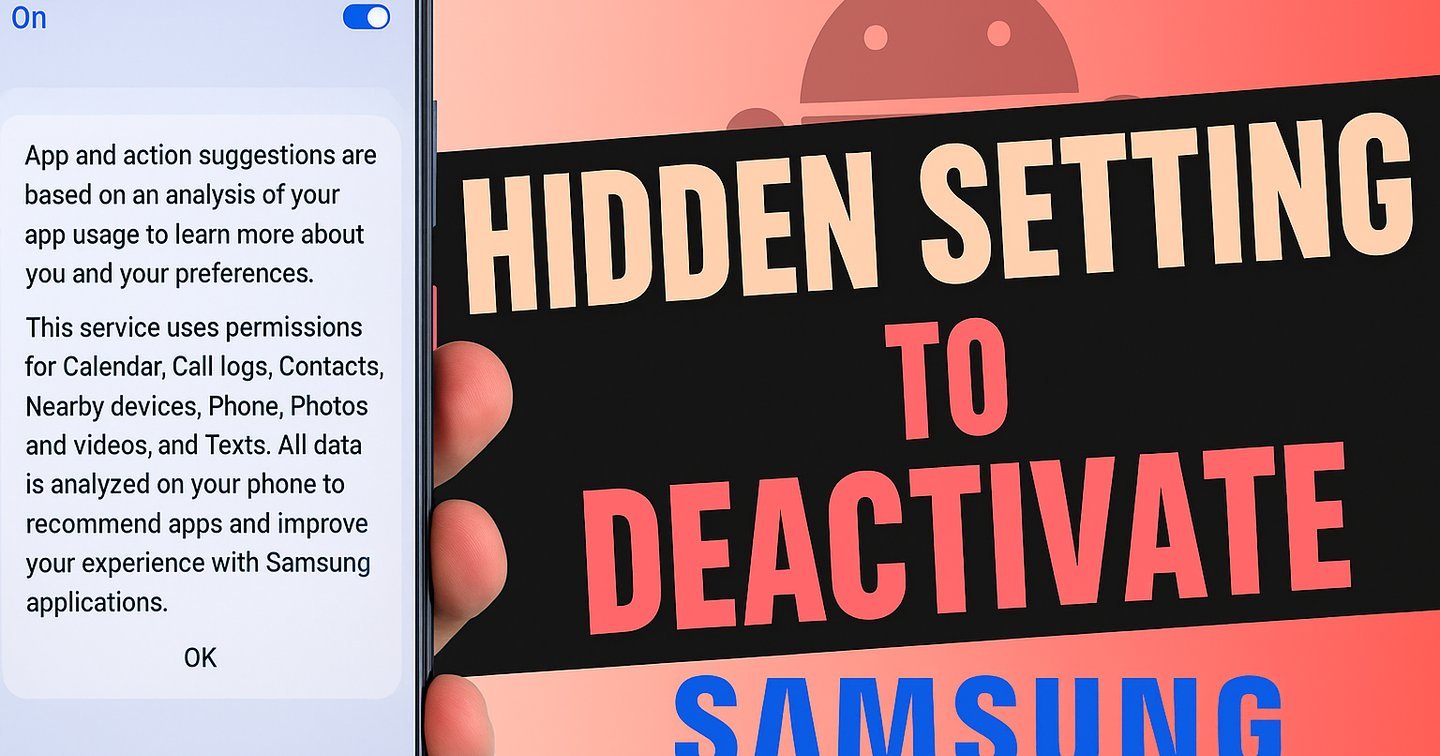
Samsung phones include several personalization and AI features. They do not all use the same data or processing method. A single switch therefore cannot describe the behaviour of the entire Galaxy AI suite.
Identify the feature
Search Settings for Personal data intelligence if your device offers it. Read the description and available choices. Names and availability vary by model, region and One UI version.
Review Galaxy AI processing
Under Settings, Galaxy AI, some models provide an option to process data only on the device. Enabling it can limit features that require cloud processing. Also check the settings in the app you use, such as Notes or Gallery.
Local processing for one feature does not mean that every Samsung service or third-party app works offline.
Make a practical choice
- Identify a feature you actually use.
- Review its privacy notice and connection requirements.
- Change the available setting.
- Test the result and check which features are no longer available.
Keep conclusions specific
Avoid claiming that an option is enabled by default on every Galaxy phone or continuously monitors all messages. Such claims require documentation for the particular model and software version. Keep track of your choices and review them after a significant software change.
Video demonstration
Video from the original publication. Refer to the revised instructions in this article when a setting or procedure differs.