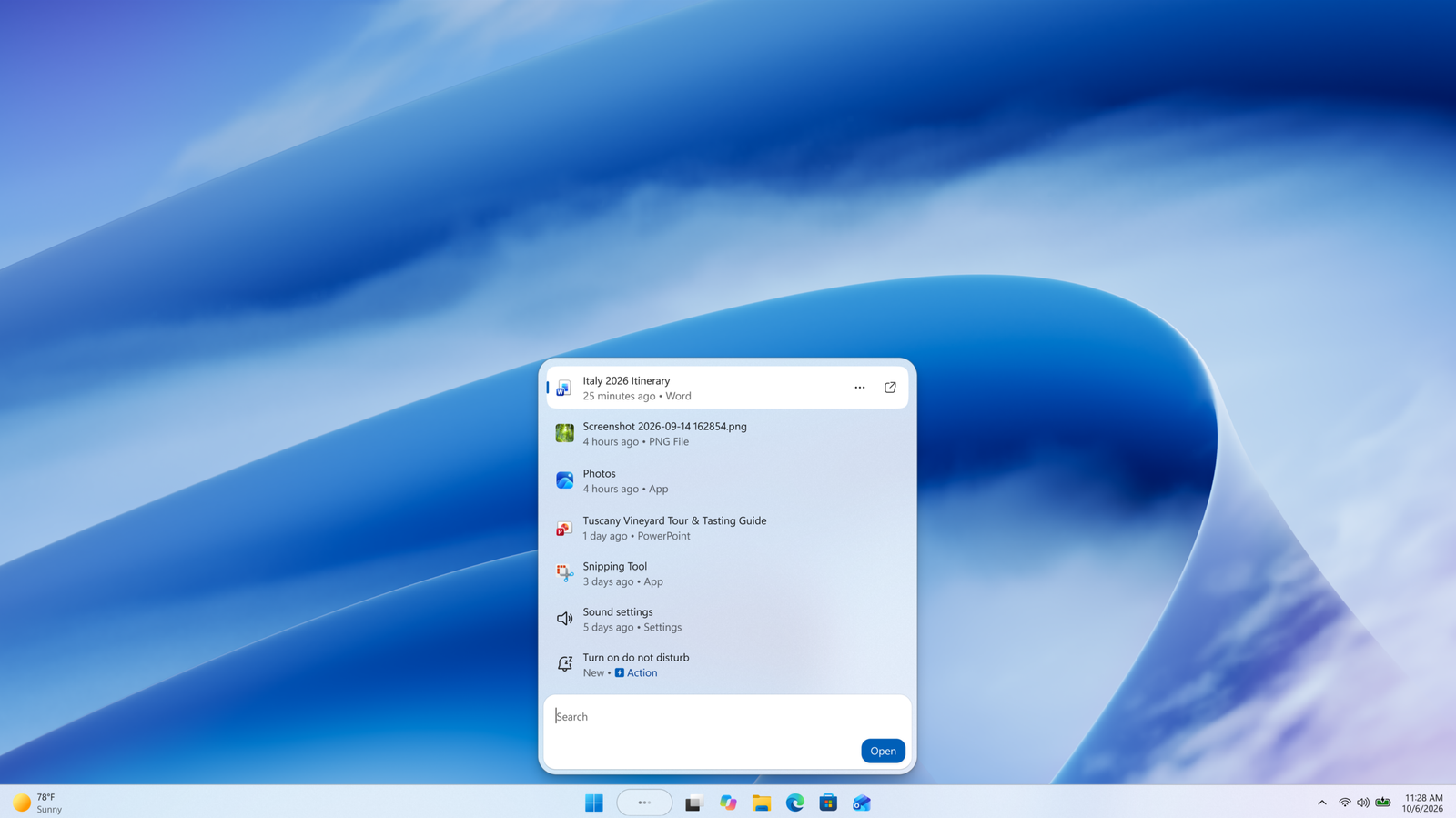
Microsoft introduced a redesigned Search experience in the optional November 19 update KB5132057 for Windows 11 25H2 and 26H2. Search can show a simpler results list and offer some actions directly in the results. Microsoft says the rollout is gradual and starts in English. Two computers with the same update can therefore look different.
Try two familiar searches
Press the Windows key and type the name of a document whose location you know. If a preview appears, check where the file is stored and when it was last modified. That can help you distinguish between an email copy, a work backup and the document you actually edited.
Then search for a simple setting. Microsoft gives dark mode, Bluetooth and brightness as examples. The new interface can offer an action directly in Search. Read the result before pressing Enter. If it opens Settings instead, you can still make the change from the settings page you know.
If Search still looks familiar
- Check the Windows version in Settings under System and About, or search for winver.
- Open the Windows Update history and see whether KB5132057 is listed.
- Remember that availability is gradual and starts in English. A French-language PC or an eligible PC still waiting for rollout can keep the older interface.
This is an optional non-security preview. If your computer works well, you can keep using the current Search experience while you wait for regular servicing. Follow your support team’s update policy if you use a managed work computer. Changing a setup you rely on every morning is a larger decision than trying a redesigned results list.
Another way to find the right copy
File Explorer is still useful if you have several documents with the same name. Open the folder you usually use, search for part of the file name and sort by date modified. Check the location of the file you choose before editing it. Whether or not the new Search interface has reached you, knowing where the computer saves your files is a habit that can make your next search much faster.
Official sources · Official announcement or listing · Official reference or store page